Communications
This module explains how to share information within your community group, and with your wider community.

Why is this important?
Good communication across the community group is one of the most successful ways to get ready for an emergency and deal with one.
In fact, each of the modules in Ready Together includes some information on communications. That’s because we can’t prepare for an emergency without working out how we will communicate with other members of our group and community if one happens.
Communications help the community to plan how you can
- Help each other
- Share information
- Get help to where it is needed
Sharing information can protect people’s health, home, and jobs.
Community groups have an important role. They can share useful information and coordinate some simple steps before, during and after an emergency that can help the whole community. Community groups are often highly trusted in their communities, which means that people are more likely to listen to them in an emergency.
What can our community group do?
Plan how to communicate with each other
Don't wait for an emergency to happen. Work out now how to communicate between your group members in an emergency. Planning before anything happens makes a big difference.
Set up trusted ways to share messages.
You may have, for example:
- Local newsletters
- WhatsApp groups for neighbours or community members
- A community Facebook page
- Noticeboards in community buildings
- Regular town hall meetings
- Local school communications
Try to have a mix of virtual and non-virtual channels, to reach more members of your community. Physical channels like noticeboards and meetings are particularly important for people who do not have a smartphone or access to the internet.
For social media channels, agree who is responsible for keeping them up to date and moderating them if necessary.
When a crisis hits, these channels can share quick messages that are locally focused. In an emergency, your group can use these channels to:
- Follow what is happening as the emergency develops
- Share this information
- Correct false information. See below for more information.
- Share advice with people in your community
- Find people who may need extra help
- Find people who are willing and able to volunteer to help
- Find what skills people have that might help them support others
Talk about how to get trusted information
Make sure that your group knows how to get trusted information. In an emergency, false information online can spread up to six times faster than information from official sources.
Official sources include your council, the emergency services, and official government sources.
People may share false information either by mistake or on purpose. Even false information shared by mistake can cause harm.
Before an emergency, talk with your group and wider community about which sources you feel you can trust, and help people to understand how to check if information is true. For example, we should ask who shared it first, and check if an official source says the same thing.
Types of false information
Misinformation: false information that someone shares without meaning to deceive anyone
Disinformation: False information, or information someone has changed, that they make and share on purpose to deceive people. They may do this to cause harm, or for money, political, or personal reasons. One example is ‘deepfakes’: images, videos and audio clips that use AI to fake a person’s image and voice. They can be very realistic.
Malinformation: information that is true or partially true, but someone uses it to deceive people
Agree more than one way for your group to be able to communicate with each other in an emergency
Agree different ways for how your group will share messages. If one way stops working, then the group can switch to the next. This will help you deal with different kinds of problems.
First choice: the internet: a group chat lets you share information quickly with more people in your group.
If some of your community members find it hard to use group chats, or don’t have access to a smartphone, you may want to set up a ‘phone tree’.
In a phone tree, each person phones a few others, and they phone a few more.
Make a clear plan to agree who is responsible for calling who, with back-up plans in case somebody can’t be contacted.
Second choice: text messaging. Text messages, also called SMS, can often get through when the mobile network is too busy for messaging apps to work.
Third choice: Meeting in-person: Agree a place to meet, where and when this is suitable and when it is safe to do so. You can also agree a plan for knocking on doors to check on your neighbours.
Groups often practice this less often. Remember to practice this plan, so everyone knows what to do.
Use many ways to share messages with your community
Use many different ways to share messages about getting ready for an emergency and what to do in one. Then more people in your group can get the messages they need before, during and after an emergency. This might include:
- Online public meetings
- Noticeboards where your community group members spend time
- WhatsApp groups
- Pictures with short messages for social media
- Telephone helplines that offer translation into other languages. This is particularly important to help people in your community who do not speak English fluently
Reaching community members who do not use the internet
Make sure that your plans reach people who do not use online tools. This might include some older adults who are less comfortable using the internet, and people that do not have a smartphone or internet access at home.
You could use:
- Paper leaflets delivered to homes
- Neighbourhood noticeboards
- Local radio
- Visits to people’s homes
- Meetings in community spaces
For advice on talking to children about emergencies, read the children’s communication advice in the Supporting People with Additional Needs module.
Plan your messages with the people you want to reach
Involve different people when you plan your messages. This will help you test that your messages are working for different groups of people.
It’s particularly important to involve people who may need extra help in an emergency. They can help you understand:
- What help people might need
- Which messages would be useful
- Which formats make the advice easy to use, like large print or audio
Read more in the module on Supporting People with Additional Needs.
Messages work best when you plan them together with the people you want to reach. For example:
- People with low vision or sight loss can help select formats that are easy to read
- People with colour blindness can help select colours that are easy to read
- New parents will be able to share what advice would be most helpful for them
- People who speak other languages fluently will be able to help reach other people who do not speak English fluently. Online translation tools can often make mistakes.
Ask trusted people to share information
Work with other groups in your community to find people that your community know and trust. They may be able to share emergency advice.
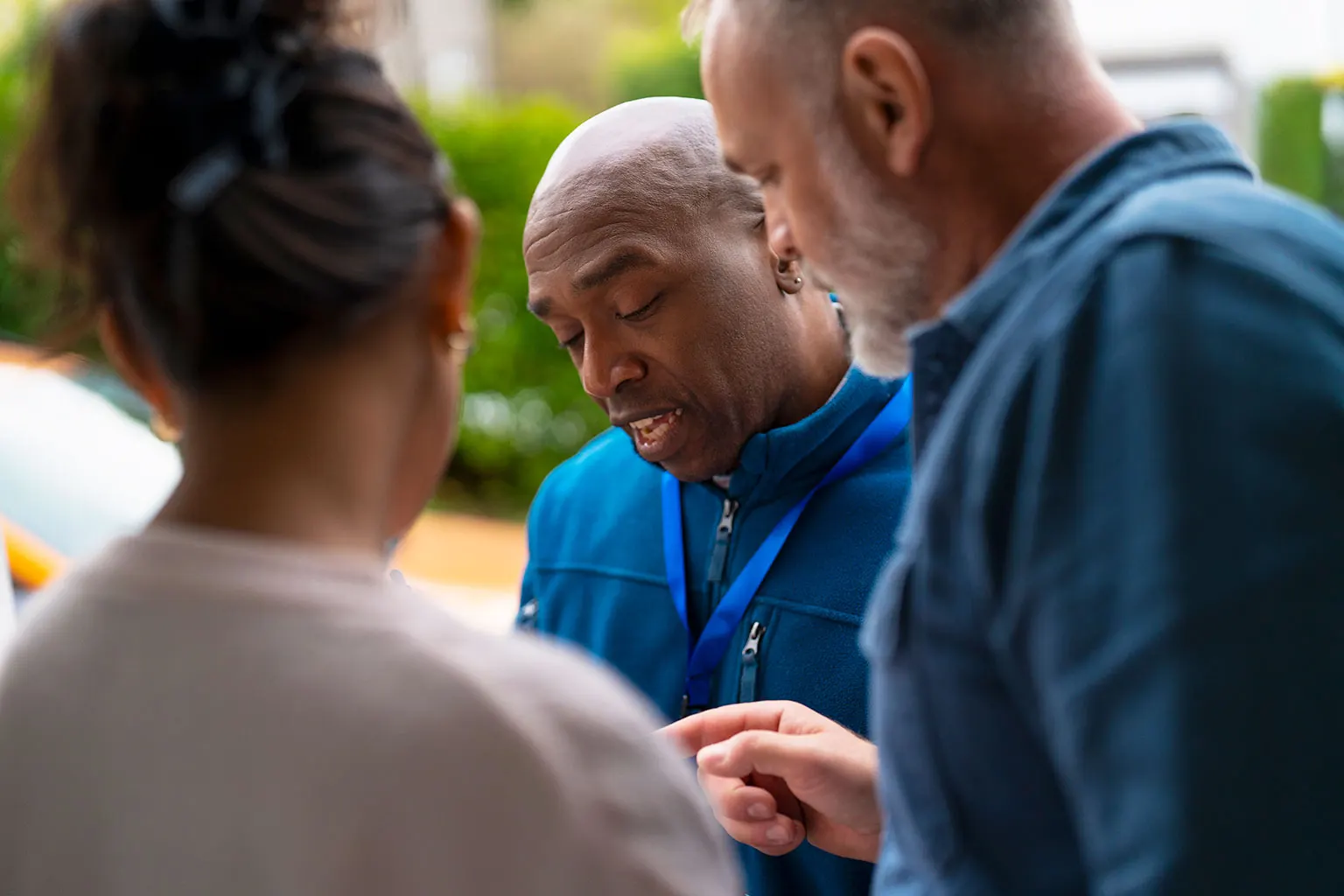
A trusted messenger is someone people know. They may share their culture, language, accent or local area. It could be a local faith leader, sports coach, local radio presenter, head teacher, pub landlord, local musician, or the administrator of a local Facebook group, for example.
Trusted messengers are especially important in communities that don’t trust official advice, and messages work best when trusted people from the community share them quickly.
Use the skills in your community
Some people in your community may have skills and experience that can help your group to share messages. They might include people who:
- Have worked in communications or marketing
- Social media and graphic design experts
- Speak other languages
- Know British Sign Language
- Can help translate advice into Braille
These people can quickly turn advice that is hard to understand into simple steps that people can follow.
Add these skills to the group skills audit. This is a list of skills people in your group have.
Listen to your community
For communication to work, those who are trying to share messages also need to listen.
Agree how the group will pass on people’s worries, what they notice locally, and their feedback. Pass it to someone who can respond, or who can change future messages.
Some ideas include:
- Sharing how to access helplines, or helping to set up a local helpline where appropriate
- Question and answer sessions at public meetings (in person or online)
- Responding to comments on social media posts
- Short feedback surveys.
People can share worries, ask questions, and share rumours. The group can then use this information to update the groups messages. You can do this before an emergency and during one.
Plan for power cuts and loss of signal
Keep a battery or wind-up radio so that you can hear the news if the power goes off. Keep spare batteries too.
For more details on what supplies, including tools, that the group should keep to help prepare, read our Essential Supplies module.
A power cut, or loss of mobile or internet signal, can stop online messages from working. This makes it harder to get trusted information. In some emergencies, your community will not be able to use all their usual news sources.
If the power goes out in a major power outage, you can still access up-to-date information through Radio 4.
During an emergency
When an emergency happens
- Put your agreed communication plan into action
- Check that everyone is safe using your group chat, phone tree, and door-knocking if necessary
- Find out if anyone needs extra support
- Hold a meeting at the same time each day for everyone to check in. Do this online or in person, if you can.
After an emergency
It can take a long time to recover from an emergency.
Keep telling people where they can find help.
People may need financial and emotional support for a long time after an emergency.
Your group communications can them find the support they need. This can include:
- Mental health support and counselling
- Peer support groups
- Bereavement groups and charities
- Community kitchens
- Information and advice from trusted sources
- Memorial events
- Financial support
See the Money and Finances module for more detail on how to build a list of the financial support available.
Look at what worked in your communication and what did not.
When things feel like they have settled down, on the group's social media, check which posts people shared and liked. Ask the group to think about what they found helpful, and what else they would have liked. Use this to update and improve your groups communications next time.